

 Watch
Watch
 CASUAL WEAR
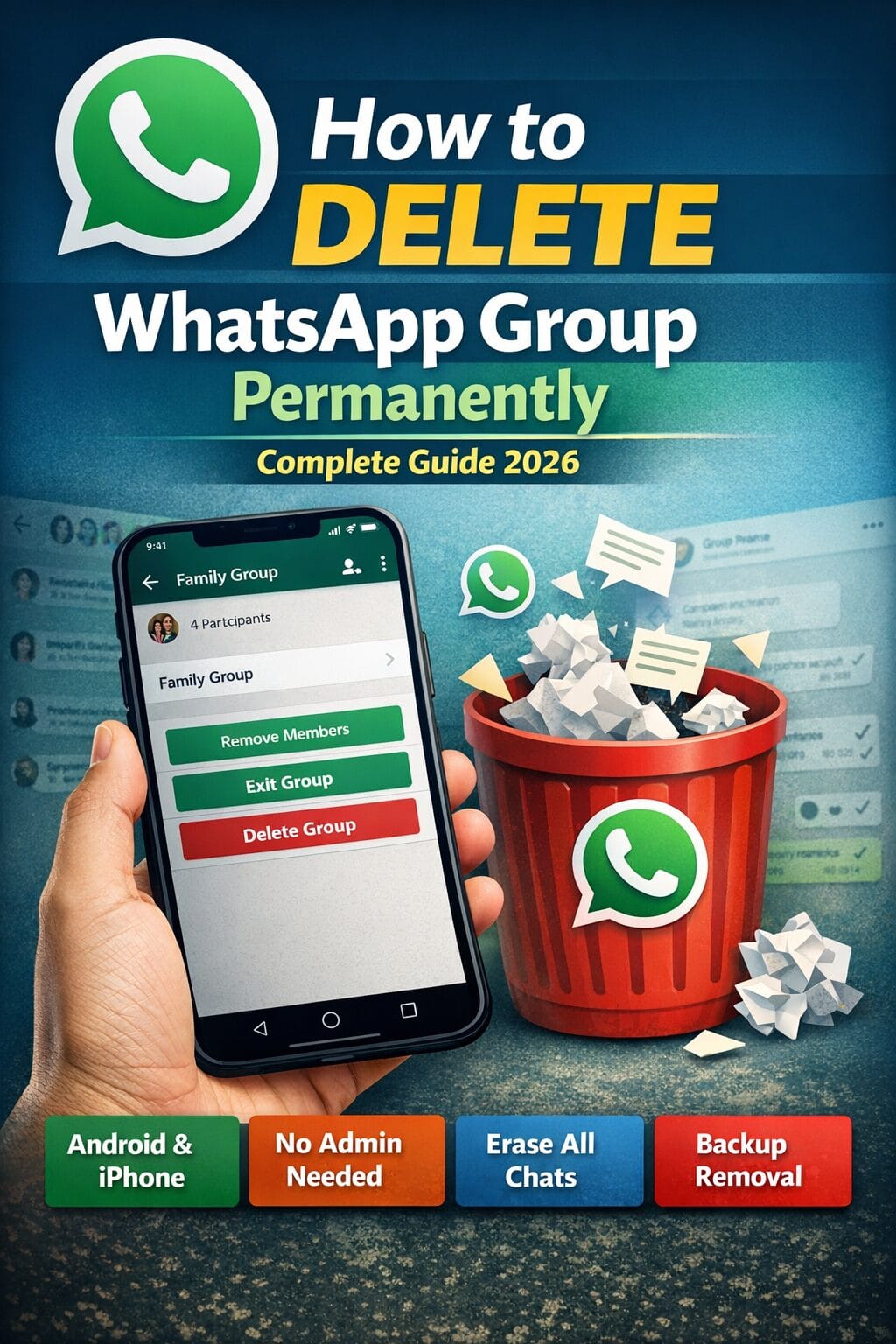
Learn how to delete WhatsApp group permanently in 2026 with this complete step-by-step guide. Discover how admins can remove members, exit properly, clear group data, and ensure permanent deletion on Android, iPhone, and WhatsApp Web.
Deleting a WhatsApp group permanently is not just about tapping the “Delete” button. Many users leave the group and think it’s gone forever — but in reality, the group may still exist for other members.
If you truly want to delete a WhatsApp group permanently, whether you are an admin or a regular member, this detailed guide will walk you through everything — including hidden settings, common mistakes, and expert tips to ensure the group disappears completely.
This guide covers:
- How to delete WhatsApp group permanently as Admin
- How to delete WhatsApp group as Member
- How to delete group for everyone
- How to delete WhatsApp group without being admin
- How to remove group chat history permanently
- How to delete group from WhatsApp Web
- FAQs and troubleshooting
Let’s begin.
Understanding How WhatsApp Groups Work
Before deleting a group, it’s important to understand how group ownership works in WhatsApp.
- A group cannot be deleted permanently unless the admin removes all members.
- If an admin leaves without removing members, another member becomes admin.
- A group only disappears completely when:
- All members are removed.
- The admin exits.
- The group is manually deleted.
Now let’s go step by step.
How to Delete WhatsApp Group Permanently (If You Are Admin)


If you created the group or are currently the admin, follow these steps carefully.
Step 1: Open the Group
- Launch WhatsApp.
- Tap the group chat you want to delete.
Step 2: Open Group Info
- Tap the group name at the top.
- Scroll down to see the participants list.
Step 3: Remove All Members
This is the most important step.
- Tap each participant’s name.
- Select Remove from Group.
- Confirm removal.
⚠️ You must remove every single member.
If even one member remains, the group will continue to exist.
Step 4: Exit the Group
After removing all members:
- Scroll down.
- Tap Exit Group.
- Confirm.
Step 5: Delete the Group
Once you exit:
- Tap Delete Group.
- Confirm permanently.
Now the group is permanently deleted.
How to Delete WhatsApp Group Permanently (If You Are Not Admin)
If you are not the admin, you cannot delete the group for everyone. However, you can remove it permanently from your device.
Steps:
- Open the group.
- Tap group name.
- Scroll down.
- Tap Exit Group.
- Confirm.
- Tap Delete Group.
The group will disappear from your chat list — but it will still exist for other members.
How to Delete WhatsApp Group on iPhone


Steps are similar but slightly different in interface.
- Open the group.
- Tap group name at top.
- Scroll to participants.
- Remove all members (if admin).
- Tap Exit Group.
- Tap Delete Group.
Make sure all members are removed before exiting.
How to Delete WhatsApp Group Using WhatsApp Web


Using WhatsApp Web:
- Open web.whatsapp.com
- Click the group.
- Click group name.
- Remove members (if admin).
- Exit group.
- Delete group.
What Happens After Deleting a WhatsApp Group?
When deleted permanently:
- Group disappears from chat list.
- Chat history remains on members’ devices unless they delete manually.
- Media files stay saved in gallery unless removed.
- The group invite link becomes invalid.
How to Delete WhatsApp Group Chat History Permanently
Even after deleting a group, chat history may remain in backups.
To delete permanently:
Disable Backup First
Go to:
Settings → Chats → Chat Backup → Turn off backup.
Delete Media Files
- Go to File Manager.
- Open WhatsApp folder.
- Delete media manually.
Clear Cloud Backup (Optional)
If using Google Drive or iCloud:
- Remove WhatsApp backup from cloud storage.
Common Mistakes People Make
- ❌ Exiting before removing members
- ❌ Forgetting media files
- ❌ Not deleting backup
- ❌ Thinking leaving group deletes it
Avoid these to ensure permanent deletion.
How to Delete WhatsApp Group Without Members Knowing
You cannot secretly delete a group.
When:
- You remove someone → They get notified.
- You exit → Notification appears.
- You delete → Only removes from your side.
There is no silent deletion feature.
Frequently Asked Questions (FAQ)
1. Can I delete WhatsApp group permanently?
Yes, if you are admin and remove all members first.
2. What if I leave without removing members?
Another member becomes admin.
3. Can a member delete group for everyone?
No.
4. Does deleting group delete messages?
Only from your device.
5. Can I recover deleted group?
Only if someone adds you again.
6. Does deleting group remove media?
No, media must be deleted manually.
7. How to delete group without admin rights?
Exit and delete from your chat list only.
8. Can I delete old WhatsApp groups?
Yes, using same process.
9. Will backup restore deleted group?
Yes, if backup was taken before deletion.
10. Is group invite link still active after deletion?
No.
Pro Tips for Safe WhatsApp Group Management
- Always make another trusted admin.
- Clear media storage regularly.
- Avoid sharing sensitive information.
- Disable auto-download for large groups.
Final Thoughts
Deleting a WhatsApp group permanently requires more than just tapping “Delete.” If you are the admin, you must remove every member first — then exit — then delete.
If you’re just a member, you can only remove the group from your own device.
By following this complete 2026 guide, you now know exactly how to delete WhatsApp group permanently on Android, iPhone, and Web.
If you found this guide helpful, consider bookmarking it for future reference.
Frequently Asked Questions (FAQ)
Below is the most comprehensive FAQ section about deleting a WhatsApp group permanently using WhatsApp. These questions are optimized for voice search, featured snippets, and long-tail SEO queries.
General Questions About Deleting WhatsApp Groups
1. Can I delete a WhatsApp group permanently?
Yes, but only if you are the group admin and remove all members before exiting and deleting it.
2. Can a normal member delete a WhatsApp group?
No, members can only exit and delete the group from their own device.
3. What happens when I delete a WhatsApp group?
The group disappears from your chat list. If you are admin and remove all members, it gets permanently deleted.
4. Does deleting a WhatsApp group delete messages?
Messages are deleted only from your device, not from others’ phones.
5. Can a deleted WhatsApp group be recovered?
Only if someone restores an old backup or adds you again before full deletion.
Admin-Related Questions
6. Who can permanently delete a WhatsApp group?
Only the admin can delete it permanently for everyone.
7. What if the admin leaves the group?
WhatsApp automatically assigns another member as admin.
8. Can multiple admins delete a group?
Yes, any current admin can remove members and delete the group.
9. How do I know if I am the group admin?
Open Group Info and check if “Admin” appears next to your name.
10. Can I delete a group without removing members?
No, you must remove all members first.
Step-by-Step Process Questions
11. What is the first step to delete a group permanently?
Open the group and go to Group Info.
12. What is the second step?
Remove all participants individually.
13. What is the third step?
Exit the group.
14. What is the final step?
Tap “Delete Group.”
15. Why must I remove members first?
Because the group continues to exist if members remain.
Android-Specific Questions
16. How do I delete WhatsApp group on Android?
Open group → Group Info → Remove members → Exit → Delete.
17. Is the process same on all Android phones?
Yes, mostly identical across devices.
18. Can I delete multiple groups at once on Android?
No, groups must be deleted individually.
19. Does clearing app data delete groups?
No, it may log you out but won’t delete the group permanently.
20. Will uninstalling WhatsApp delete groups?
No, groups remain active.
iPhone-Specific Questions
21. How to delete WhatsApp group on iPhone?
Open group → Tap group name → Remove members → Exit → Delete.
22. Is process different on iOS?
The interface differs slightly, but steps remain same.
23. Can I delete group using Siri?
No, deletion must be done manually.
24. Does deleting group remove iCloud backup?
No, you must delete backup manually.
25. Will factory reset delete WhatsApp group?
Only from your device, not for others.
WhatsApp Web & Desktop Questions
26. Can I delete WhatsApp group from computer?
Yes, via WhatsApp Web.
27. Are all features available on WhatsApp Web?
Yes, including removing members and deleting group.
28. Can I delete group from desktop app?
Yes.
29. Does deleting from web delete from phone?
Yes, if fully deleted as admin.
30. Can I delete group without phone access?
No, phone must stay connected.
Privacy & Notifications Questions
31. Do members get notified when removed?
Yes.
32. Do members know when group is deleted?
They see that admin left and group closed.
33. Can I delete group secretly?
No.
34. Can I delete messages for everyone before deleting group?
Yes, but within the allowed time limit.
35. Can I delete media files for everyone?
No, only messages within allowed time.
Backup & Recovery Questions
36. Does Google Drive restore deleted group?
Yes, if backup exists before deletion.
37. Can someone restore group using backup?
Only on their own device.
38. Should I disable backup before deleting group?
Yes, to avoid restoration.
39. How to delete WhatsApp backup permanently?
Remove backup from Google Drive or iCloud.
40. Can deleted group reappear after reinstall?
Yes, if backup is restored.
Group Ownership & Control Questions
41. Can I transfer admin before deleting?
Yes.
42. Should I transfer admin first?
Only if you don’t want to delete group.
43. What if admin account is deleted?
Another admin takes over.
44. Can group exist without admin?
No.
45. Can I block members before deleting?
Yes, but optional.
Technical & Storage Questions
46. Does deleting group free storage?
Yes, if media deleted too.
47. Where are group media files stored?
In WhatsApp Media folder.
48. Do I need to delete media manually?
Yes.
49. Does clearing chat delete group?
No.
50. What is difference between clear chat and delete group?
Clear chat removes messages; delete group removes group.
Security Questions
51. Can hackers restore deleted group?
No.
52. Can someone access deleted group messages?
Only if stored locally.
53. Is group invite link active after deletion?
No.
54. Can old invite links recreate group?
No.
55. Can I report group before deleting?
Yes.
Advanced Questions
56. Can I schedule group deletion?
No.
57. Can I auto-delete inactive groups?
No built-in feature.
58. Does WhatsApp auto-delete old groups?
No.
59. How long does deletion take?
Instant.
60. Is group permanently removed from WhatsApp servers?
Yes, if no members remain.
Business Account Questions
61. Can I delete group on WhatsApp Business?
Yes.
62. Is process same on Business version?
Yes.
63. Does deleting business group affect catalog?
No.
64. Can business groups be archived instead?
Yes.
65. Should businesses archive instead of delete?
If future reference needed, yes.
Edge Case Questions
66. What if I can’t remove a member?
Check internet connection.
67. What if delete option not visible?
Ensure you exited group first.
68. Why can’t I delete group?
You may not be admin.
69. What if group still shows after deletion?
Restart app.
70. Can group appear in search after deletion?
No.
Legal & Policy Questions
71. Is deleting WhatsApp group legal?
Yes.
72. Does WhatsApp keep deleted group data?
As per privacy policy, limited metadata may remain.
73. Can police recover deleted group?
Only through legal process.
74. Are deleted messages stored on servers?
Not after deletion process completes.
75. Can WhatsApp ban me for deleting groups?
No.
User Behavior Questions
76. Why do people delete WhatsApp groups?
Privacy, inactivity, or conflict reasons.
77. Can deleting group remove conflict?
Yes, it stops communication.
78. Should I inform members before deleting?
Recommended.
79. Is deleting group rude?
Depends on context.
80. Can I mute instead of delete?
Yes.
Performance Questions
81. Does large group take longer to delete?
No, same process.
82. Can I bulk remove members?
No, must remove individually.
83. Is there shortcut for deletion?
No.
84. Can I use third-party app to delete group?
Not recommended.
85. Is deleting group safe?
Yes.
Miscellaneous Questions
86. Can I rename group before deleting?
Yes.
87. Can I change icon before deleting?
Yes.
88. Can I delete only specific messages?
Yes.
89. Does deleting group notify archived members?
Yes.
90. Can group disappear automatically?
No.
Future & Update Questions
91. Will WhatsApp add one-click delete feature?
No official confirmation.
92. Are group deletion rules changing in 2026?
No major changes.
93. Can AI manage WhatsApp groups?
Not officially yet.
94. Will WhatsApp auto-expire groups?
No feature announced.
95. Is permanent deletion reversible?
No.
Final Clarification Questions
96. What is the safest way to delete group?
Remove members → Exit → Delete → Clear backups.
97. What if I change my mind?
You must recreate group.
98. Can deleted group name be reused?
Yes.
99. Does deleting group delete profile photos?
No.
100. What is the biggest mistake while deleting group?
Leaving before removing members.